
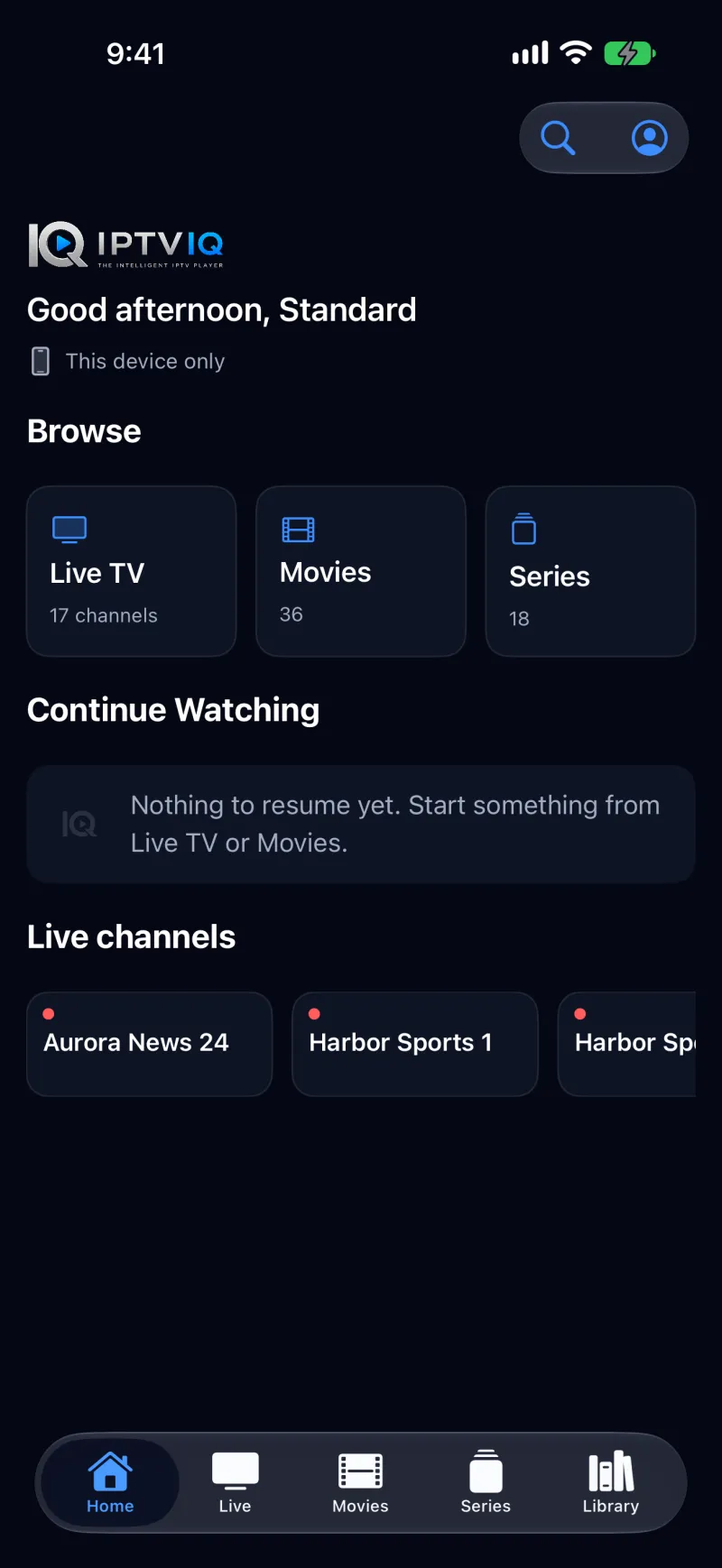
IPTVIQ on iPhone.
Your IPTV, in your pocket.
A native IPTV player for iPhone, for the sources you already have. Add an Xtream Codes login or an M3U/M3U8 playlist, then browse Live TV, Movies and Series with simple touch controls — including on iPhone Duo.
IPTVIQ is a media player. It does not include, sell or supply any channel, playlist or subscription: you bring a source you are authorized to use.
Where iPhone actually stands.
We update this section when the real status changes, never before.
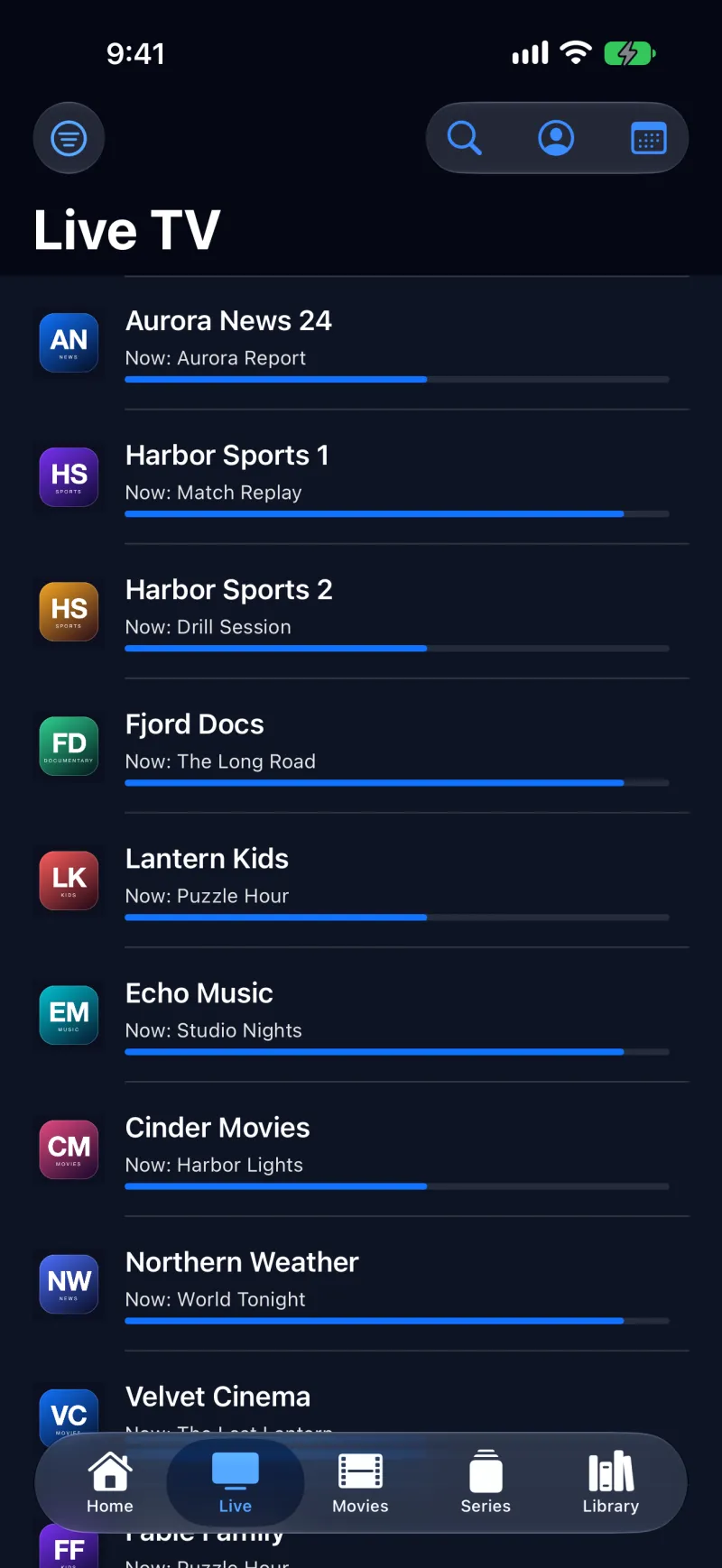
Channels with what is on now.
Every live channel shows the programme on now. Open the guide for an Xtream source, search for a channel and keep your favourites close.
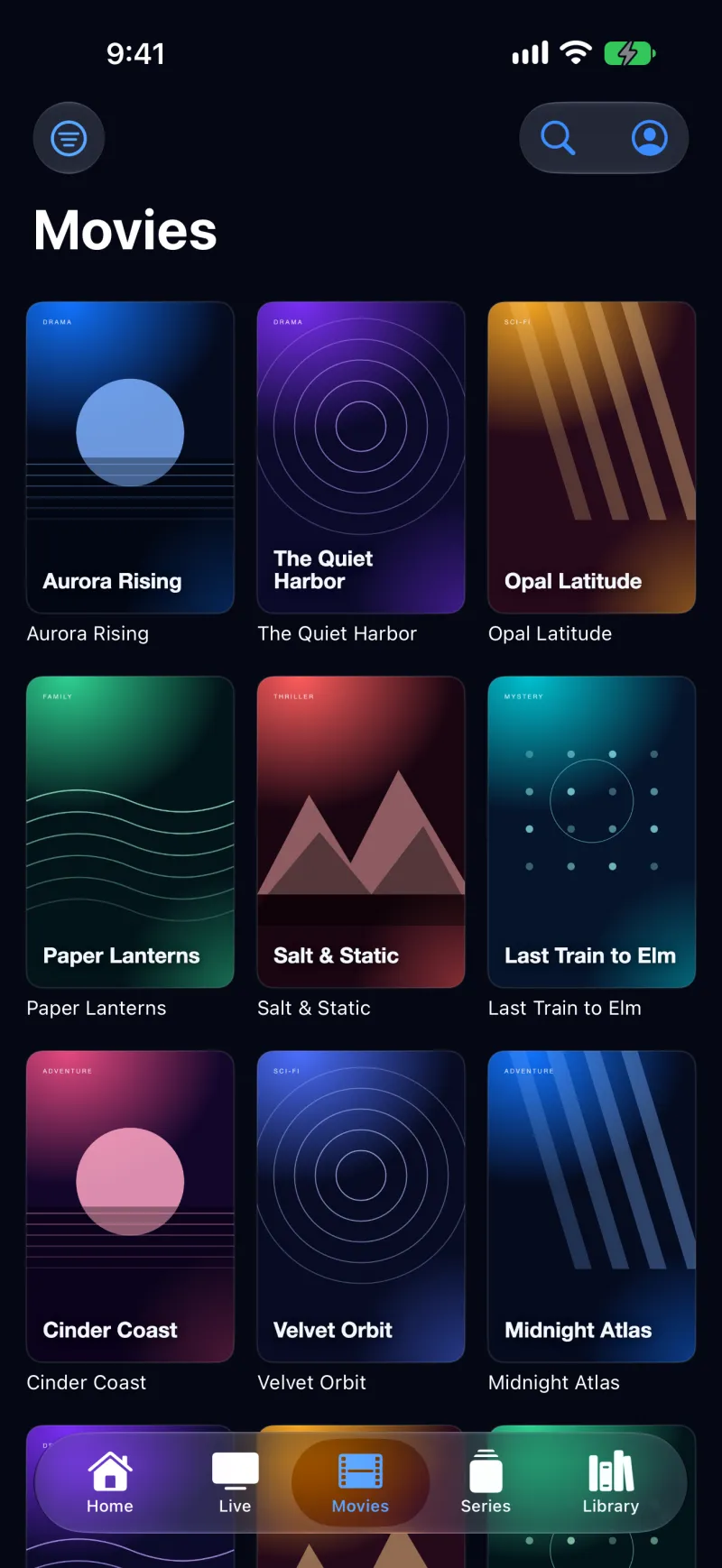
Your provider's library, organised.
Movies and Series are laid out as posters, series by season and episode. The Library keeps Continue Watching and your Watchlist, and playback picks up where you stopped. IPTVIQ shows only what your provider sends.
Full Screen, made for a phone.
On iPhone, Full Screen plays in landscape — even if you start it holding the phone upright — and returns to portrait when you leave. Switch between Fit and Fill, and skip back or forward 10 seconds in movies and episodes.
Profiles and a Parental PIN.
Protect settings with a Parental PIN. With Premium, add more sources and profiles, including Kids profiles that only see what a parent approves.
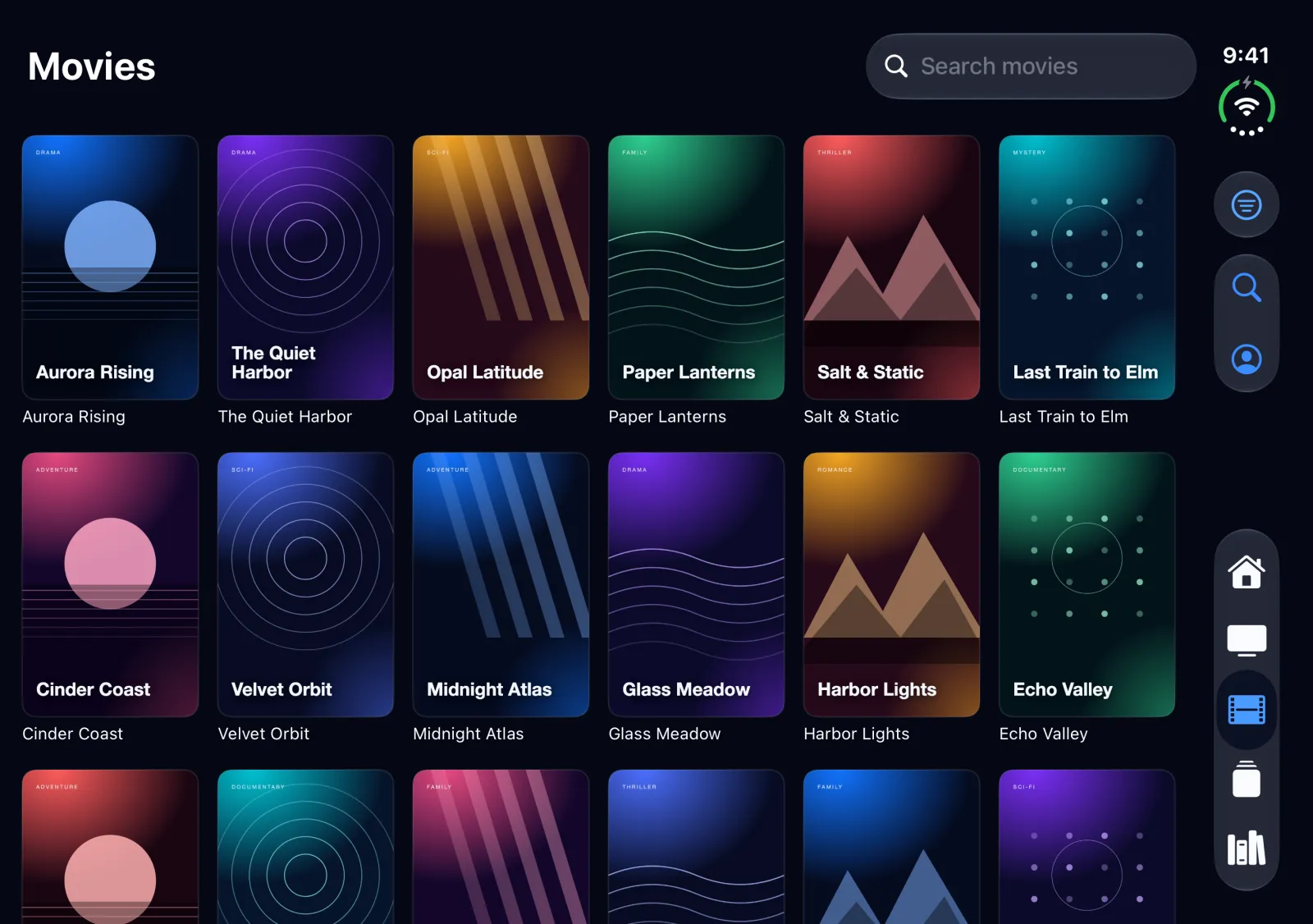
One app, folded or unfolded.
On iPhone Duo, IPTVIQ uses the full phone layout on the outer screen and a larger layout on the unfolded inner screen, with wider poster grids and a side tab bar. It is the same iPhone app from the same App Store listing — nothing extra to buy.
Install, then add your source.
- Install. Download IPTVIQ from the App Store on your iPhone. The same App Store listing also offers IPTVIQ for Mac, Apple TV and Apple Vision Pro.
- Open IPTVIQ. A new install starts with an empty library. IPTVIQ never ships with channels, playlists or sources.
- Add your source. Enter your provider's Xtream Codes login, or the link to an M3U/M3U8 playlist. You can manage sources later in Settings.
- Browse. Live TV, Movies and Series fill in from your source. Use only sources you are authorized to use.
- No account needed. The iPhone and iPad app works without registering; sign-in to an IPTVIQ account is not part of this version.
More help: FAQ, Compatibility, Support, and the pages for iPhone, iPad, iPhone Duo, Mac, Apple TV and Apple Vision Pro.